- Free to play with in-app purchases. Downloading costs nothing; Astrogem packs are optional.
- Check the listing for size and requirements. Storage and minimum OS version can change with updates, and the store page is always more current than a third-party mirror.
- Use the store tied to your own account. That is what makes purchases and progress recoverable.
- Region matters. The global launch excludes Japan; availability in other countries depends on the local store.
Download Golden Spirit (Mobile & PC)
JoJo's Bizarre Adventure: Golden Spirit is available on Android and iOS. There is no official PC Desktop client, but the game runs on mainstream Android emulators (I recommend Bluestacks). This page covers the official links, the region rules and what to expect before you move an account to PC.
Last verified: October 27, 2026 · Platforms: Android, iOS
Before You Install
How to Install on Android
- Open the Google Play listing from the button above.
- Check that the listing shows your region and that your device is compatible.
- Install the game and let the additional download finish on first launch.
- Sign in with the Google account you want tied to your progress.
- Finish the tutorial up to N1-4, then redeem the active codes.
How to Install on iPhone and iPad
- Open the App Store listing from the button above.
- Confirm that the app supports your device and region.
- Download and open the game, then allow the extra content download.
- Sign in with your Apple account so purchases and progress stay linked.
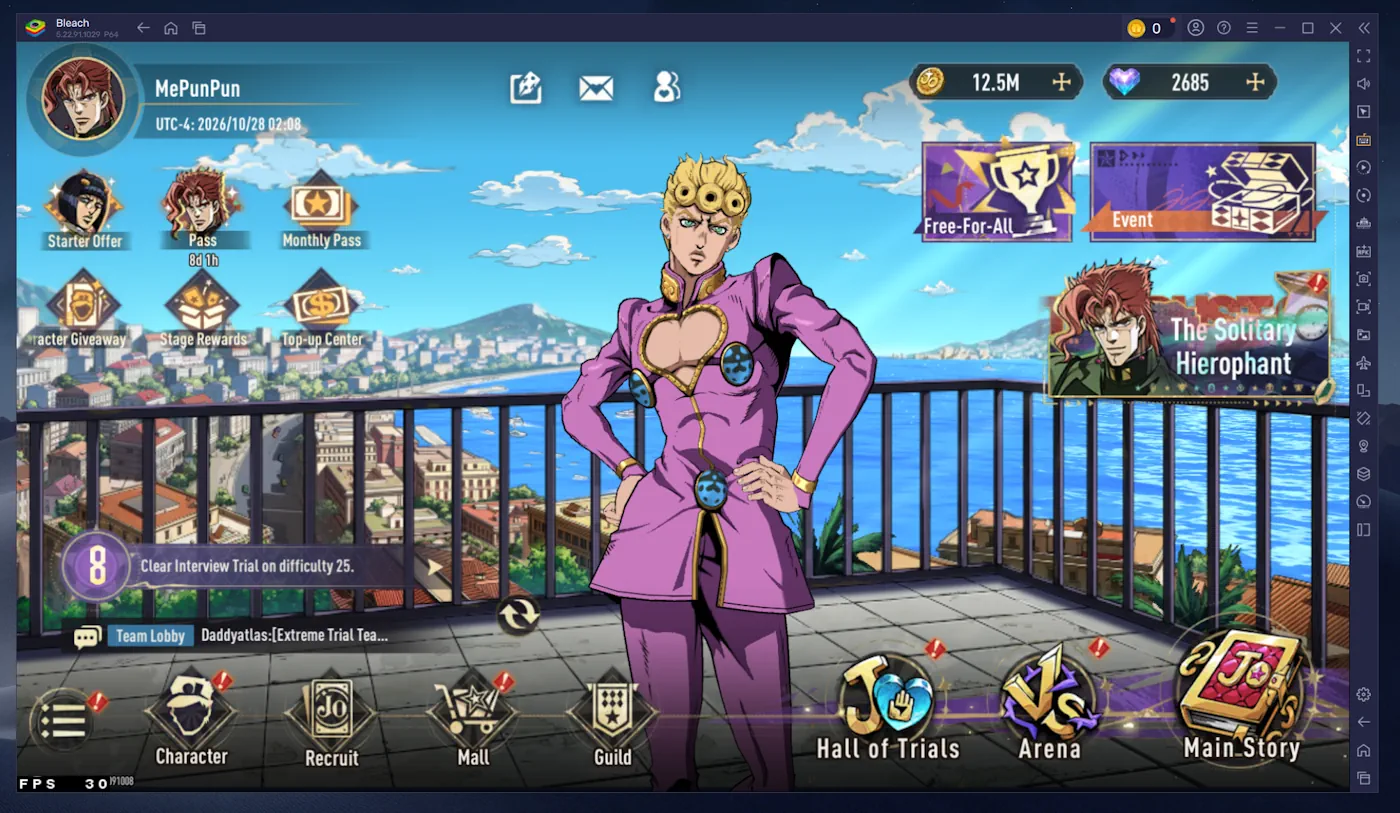
Playing on PC
There is no official PC client. The standard workaround is an Android emulator with Google Play support. These are the three most common options:
| Emulator | What it offers | When to pick it |
|---|---|---|
| BlueStacks | The most widely used Android emulator. Google Play sign-in works out of the box. | Good default choice if you have never used an emulator. |
| LDPlayer | Lightweight and popular with gacha players; simple keymapping. | Useful on lower-end PCs or for running a second instance. |
| MuMu Player | Mainstream alternative with solid performance and Play Store support. | Worth trying if BlueStacks stutters on your hardware. |
Read this before moving your account:
- Emulators do not bypass region restrictions — they use the Google account and country attached to the store.
- Launch builds are usually rougher on emulators: crashes, login loops and broken keymapping are more common than on a phone.
- Some publishers flag emulator accounts. There is no public statement specific to Golden Spirit, so treat it as a risk rather than a guarantee.
- Performance depends on your hardware. Battles and high-fidelity character scenes are the heaviest moments.